Send email invitations with QR codes
Now you get your guest list ready, and want to send Email invitation to each guest with customized information and QR codes before the event. Here is one way to automate the process without mannually edit and send each Email.
Prepare
we wil need the following tools for this task:
- Google Sheet (And we will use the same Gmail account as sender)
- Mailmeteor Addon for Google Sheets
- GoQR service API which we utilize to generate QR code images for each guest.
Go ahead and install the addon and open Google Sheet.
Step 1: Copy your guest list to Google sheets
Create a empty Google Sheet where the first row are headers. Other than email column, it should also contain columns like name, title, company, etc. some of which will be displayed in the email.

Note we have qr, qrcode and qrhtml column.
- The qr column has whatever unique value your event checkin process required to scan to uniquely identify each guest.
- The qrcode column contains generated QR code image. Formula as followings:
= CONCATENATE("https://api.qrserver.com/v1/create-qr-code/?size=150x150&format=svg&data=",ENCODEURL(D2))
- The qrhtml column has html to be embeded in the email. Formula as followings:
= CONCATENATE("<img src='",ENCODEURL(E2),"'/>")
Step 2: Setup Mailmeteor
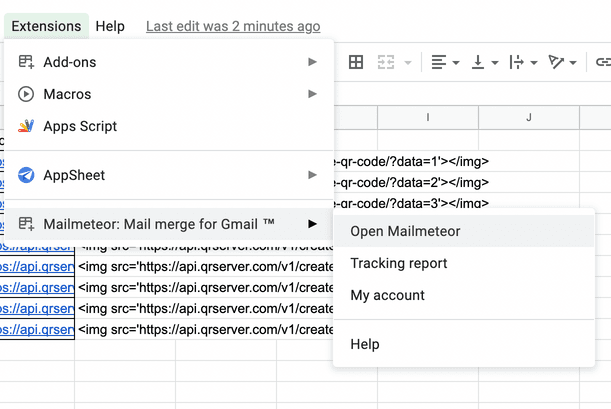
From Extensions menu to open Mailmeteor.
Create a new email template.
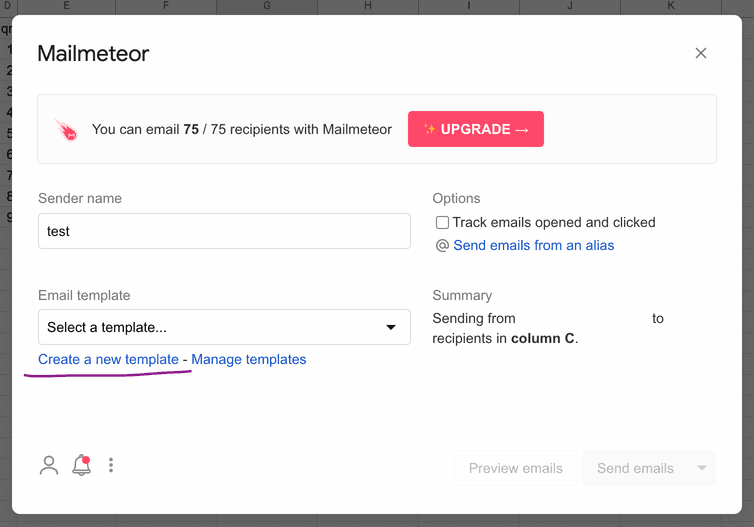

Here we only includes name and qrhtml columns as variables. Depending on your occasion, you can add more variables to be used in the email template.
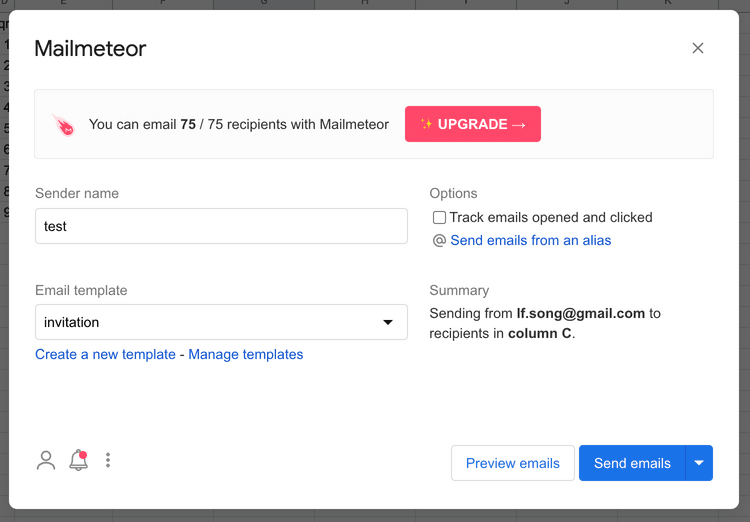
Next save and go back and select the template we just created.
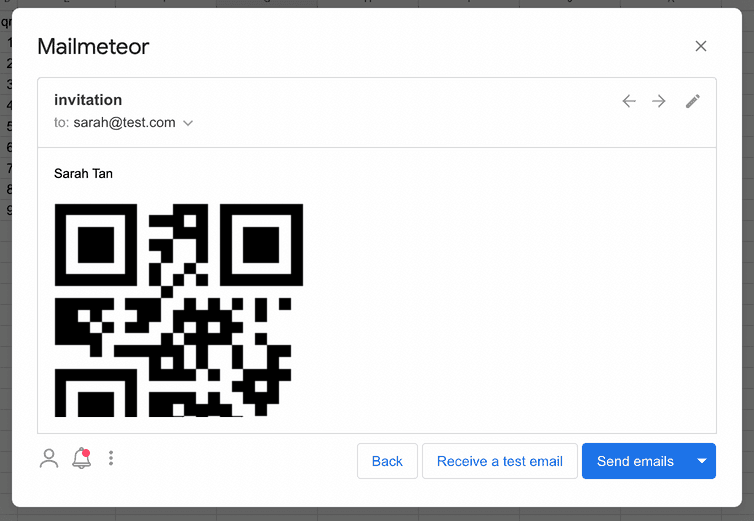
Now you may preview or send test mail to yourself to check the result.
There is more useful features to mailmeteor:
- schedule send
- send using an alias (paid)
- track opens and clicks (paid)
With mailmeteor Free tier, you may send up to 75 emails per day.
If you find this tutorial helpful or has any questions, drop me an Email.